Validated sign-in
Signed access tokens are checked for issuer, audience, lifetime, and signing key before protected API access is accepted.
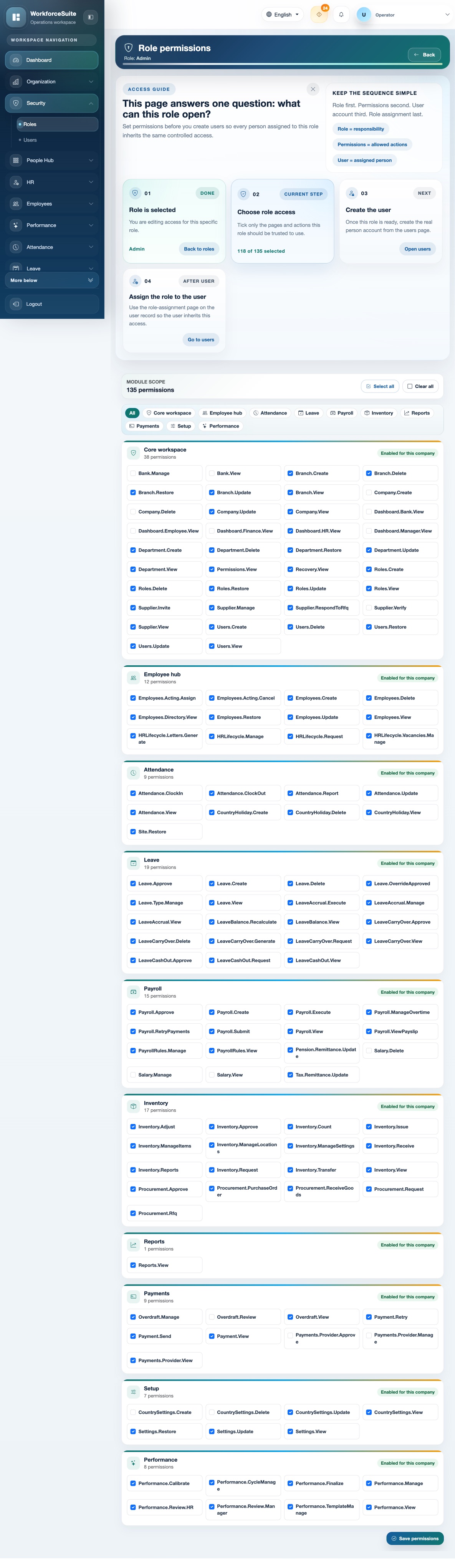
Protect sign-in, decide what every role can do, and keep company and branch context attached to daily operations.
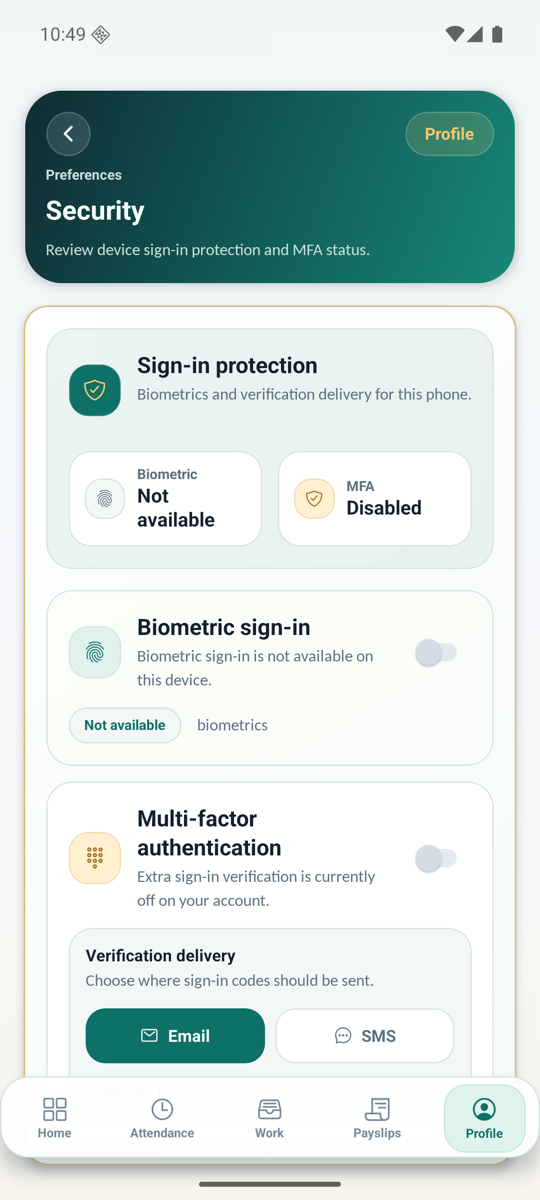
The platform combines token validation, protected browser storage, multi-factor challenges, and revocable refresh credentials.
Signed access tokens are checked for issuer, audience, lifetime, and signing key before protected API access is accepted.
Portal tokens use HTTP-only, SameSite strict cookies and are marked secure in production to reduce exposure to browser scripts and cross-site requests.
Multi-factor challenges can protect login and support separate verification before sensitive actions. Used challenges are consumed and cannot be replayed.
Refresh credentials rotate when used and can be revoked for the current session or across the account when access must end.
Authorization policies connect assigned permissions to protected actions, while company and branch context keep operational records inside the intended scope.
Explore role-aware featuresBusiness records are queried and operated within the selected company context.
Operators can work across all branches or within assigned branches according to their access.
Menus, dashboards, records, and API actions follow the permissions assigned to each role.
Audit records support selected administrative and recovery workflows with who, where, what changed, outcome, timestamp, IP address, and user-agent context.
We will walk through the implemented controls and confirm the configuration, hosting, data-handling, and rollout requirements that apply to your organization.
Hi, I’m WorkforceSuite Agent. Pick a topic below or ask me a direct product question.